

Best Apps to Read Ebooks on Android in 2026
The strongest Android ebook readers in 2026 are ReadEra, Librera Pro, and the Amazon Kindle App, each excelling in different areas: format breadth, PDF power, and store integration respectively. Whether you want to read EPUB files offline, borrow from your public library through Libby, or tap into millions of titles via Google Play Books, there is a purpose-built app for your situation. The comparison table below covers all 20 apps across the dimensions that actually matter.
| App | Supported Formats | Offline Reading | UI Customization | Cross-Device Sync | Free/Paid | Best For |
|---|---|---|---|---|---|---|
| ReadEra | EPUB, PDF, FB2, DOC, MOBI, and more | Yes | High | Limited | Free | Versatile offline reading |
| Moon+ Reader | EPUB, PDF, MOBI, FB2, and more | Yes | Very high | Yes (cloud) | Free/Pro | Advanced UI customization |
| Librera Pro | PDF, EPUB, FB2, MOBI, DJVU, comics | Yes | High | Yes | Paid | PDFs and technical documents |
| FBReader | EPUB, MOBI, FB2, RTF | Yes | Medium | Yes | Free/Premium | Speed and cloud sync |
| KOReader | EPUB, PDF, DJVU, FB2, CBZ | Yes | Very high | Limited | Free (open source) | Power users, e-ink screens |
| Google Play Books | EPUB, PDF | Yes | Medium | Yes (Google account) | Free | Android ecosystem readers |
| eBooks.com’s Ebook Reader | EPUB, PDF | Yes | Medium | Yes | Free | eBooks.com customers |
| Kobo Books | EPUB, PDF, MOBI | Yes | Medium | Yes | Free | Multi-platform and library loans |
| Cool Reader | EPUB, FB2, RTF, TXT, HTML | Yes | Medium | No | Free (open source) | Lightweight open-source use |
| Book Reader | EPUB, MOBI, FB2 | Yes | Low | No | Free (open source) | Basic open-source reading |
| Booky McBookface | EPUB, PDF, MOBI | Yes | Low | No | Free | Alternative app exploration |
| PocketBook Reader | EPUB, PDF, MOBI, audiobooks, comics | Yes | Medium | Yes | Free | Multimedia reading |
| Lithium | EPUB | Yes | High | No | Free | Minimalist EPUB reading |
| Amazon Kindle App | AZW, MOBI, PDF, EPUB | Yes | Medium | Yes (Amazon account) | Free | Kindle library access |
| Barnes & Noble Nook | EPUB, PDF | Yes | Low | Yes | Free | Nook bookstore customers |
| Libby | EPUB, audiobooks | Yes | Low | Yes | Free | Public library borrowing |
| KyBook | EPUB, PDF, DJVU, FB2 | Yes | High | Yes (cloud) | Free/Paid | Format variety and customization |
| FullReader | EPUB, PDF, MOBI, FB2, and more | Yes | High | Yes | Free/Paid | All-in-one with TTS and dictionary |
| Librera | PDF, EPUB, FB2, MOBI, DJVU | Yes | High | Yes | Free | Document-heavy reading |
| Ebook Reader (eBooks.com) | EPUB, PDF | Yes | Medium | Yes | Free | eBooks.com catalog access |
How do the top Android ebook reader apps compare?
ReadEra earns its reputation through sheer format breadth. It handles EPUB, PDF, FB2, DOC, MOBI, and several others without ads, and its auto-detection feature scans your storage so you never have to manually import files. With over 1.35 million reviews on Google Play, it has the kind of user base that signals genuine staying power.

Moon+ Reader sits at the opposite end of the customization dial. You can adjust fonts, line spacing, margins, scroll speed, and reading gestures to a degree most apps do not attempt. The Pro version adds online library syncing and removes ads.
Librera Pro is the pick for anyone who spends serious time in PDFs. Its advanced margin cropping and text reflow turn dense academic documents into readable pages, and it handles DJVU and comic formats too.
FBReader has been on Android since 2009 and has crossed 30 million installs. It loads complex ebooks fast, supports OPDS catalogs for finding free DRM-free titles, and integrates dictionary plugins.
KOReader is built for readers who want precise control over layout, hyphenation, and rendering. It runs well on both LCD Android screens and e-ink devices, and its open-source codebase means active community development.
- Google Play Books: Best when you buy directly from Google’s catalog. Offline downloads and cross-device sync work through your Google account with no extra setup.
- Kobo Books: Supports both ebook purchases and library loans via OverDrive integration, making it a strong choice if you borrow frequently from public libraries.
- Amazon Kindle App: Syncs your entire Kindle library including Whispersync for position and notes. EPUB support was added in 2022, broadening its usefulness beyond Amazon purchases.
- Libby: The cleanest way to borrow ebooks and audiobooks from US public libraries. Connect your library card, browse, and download in under a minute.
- Lithium: Handles only EPUB, but does it with a distraction-free interface, smart highlighting, and built-in dictionary. Readers who stick to one format will appreciate its focus.
- FullReader: Bundles text-to-speech, a dictionary, and multiple reading modes into one app, useful for readers who want learning tools alongside their library.
- PocketBook Reader: Covers ebooks, audiobooks, and comics with bookmark sync across devices, a practical choice for readers who move between content types.
- Barnes & Noble Nook: Straightforward access to the Nook bookstore with cross-device sync. Best suited to existing Nook customers rather than new readers building a library.
- KyBook, Cool Reader, Book Reader, Booky McBookface: These serve niche needs. KyBook adds cloud storage integration and DJVU support. Cool Reader and Book Reader are open-source options available on F-Droid for readers who prefer software they can inspect. Booky McBookface supports standard formats with a simple interface for readers who want something outside the mainstream.
How to select the best ebook reader app for your Android device
Your file formats come first. If your library is mostly EPUB, almost any app works. If you have PDFs with dense layouts, Librera Pro or KOReader will serve you far better than a basic viewer.
Consider offline access carefully. Most apps listed here support offline reading, but syncing bookmarks and progress across devices usually requires signing into a cloud account and enabling sync manually. Many readers skip that step and lose their place when switching phones.
Pro Tip: Place your ebook files in a folder named “eBooks” on your Android device. Apps like ReadEra auto-detect files stored there, so your entire library appears without any manual importing.
Budget matters too. Free apps like ReadEra, Libby, and Google Play Books cover most readers’ needs without spending anything. Moon+ Reader Pro and Librera Pro charge a one-time fee for their full feature sets, which is worth it if you read daily and want the extra controls.
For readers with accessibility needs, look for apps that offer text-to-speech, dyslexia-friendly fonts, and adjustable line spacing. FullReader and Moon+ Reader both include these features. Apps with clean, ad-free interfaces also tend to support longer reading sessions by reducing visual clutter.
What technical features should you expect from an Android ebook reader?
Format support is the foundation. EPUB is the open standard most non-Amazon ebooks use, while MOBI and AZW belong to Amazon’s ecosystem. FB2 is common in Eastern European libraries. PDF is universal but requires margin cropping and text reflow tools to read comfortably on a phone screen.
Offline reading works in every app on this list, but the depth varies. Some apps cache only recently opened books; others let you download entire collections. For long trips or areas with poor connectivity, check that your chosen app stores files locally rather than streaming.
Interface customization covers font type and size, background color, brightness, page turn animation, and reading mode. Night mode and sepia tone are standard. Dyslexia-friendly fonts like OpenDyslexic appear in more advanced apps. Adjustable line spacing and margins make a real difference on small phone screens.
Sync features connect your reading progress, bookmarks, and highlights across devices. Google Play Books and the Kindle App handle this automatically. Other apps require a cloud account setup. For educational reading contexts, sync across a tablet and phone keeps students on track without losing annotations.
Store and library integration separates apps into two camps: those tied to a specific storefront (Kindle, Nook, Kobo) and those that work with personal libraries and open catalogs. Apps supporting OPDS catalogs give you access to sources like Project Gutenberg and the Internet Archive for free public domain titles.
Ebook-warehouse offers a different path to your reading list
If you already have your reader app sorted and want quality content to fill it, Ebook-warehouse takes a different approach than the app stores above. Rather than a subscription or a sprawling catalog, it sells individual downloadable PDFs across personal development, business, cooking, health, and niche subjects.
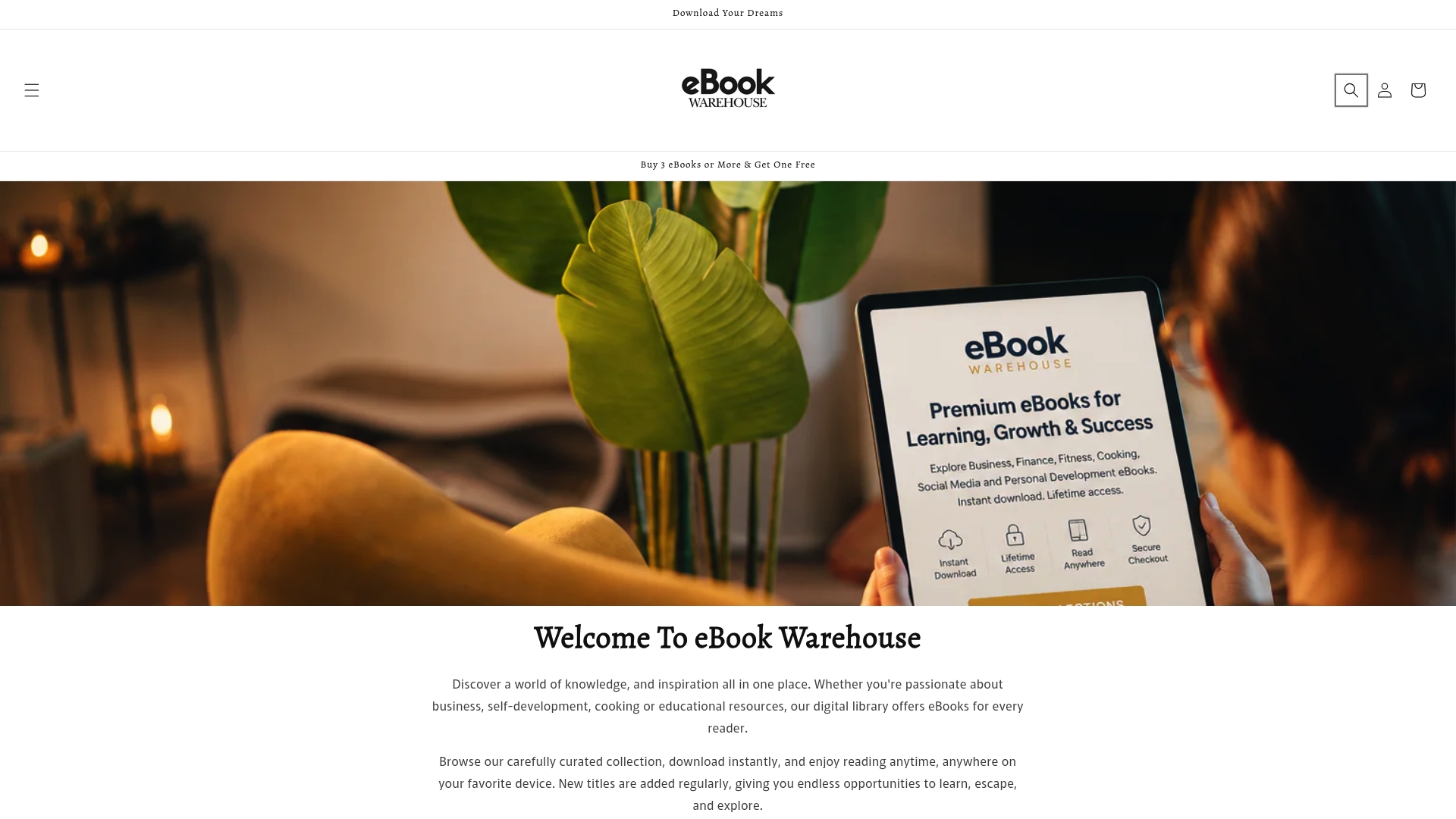
Every title downloads instantly and opens in any PDF-capable reader on this list, from Librera Pro to Google Play Books. If you want titles focused on personal finance or maximizing your earnings, Ebook-warehouse curates exactly that kind of focused, practical content. No monthly fee, no lock-in, just files you own and can read on any device.
Key Takeaways
The best Android ebook reader app depends on your file formats, offline needs, and whether you want store integration or an open personal library.
| Point | Details |
|---|---|
| Format support drives the choice | EPUB covers most titles; PDF-heavy readers need Librera Pro or KOReader for proper text reflow. |
| Offline and sync need manual setup | Most apps support offline reading, but cross-device sync requires signing into a cloud account and enabling it. |
| Free apps cover most readers | ReadEra, Libby, and Google Play Books handle the majority of reading needs at no cost. |
| Accessibility features vary widely | FullReader and Moon+ Reader offer text-to-speech and dyslexia-friendly fonts; basic apps do not. |
| Ebook-warehouse for content | Ebook-warehouse sells individual downloadable PDFs in personal development, business, and cooking, readable in any app on this list. |