

How to Download PDF Ebooks Legally in 2026
You can legally download PDF ebooks from four main sources: public-domain libraries like Project Gutenberg, library lending apps like Libby, open-access academic presses like CALI’s eLangdell Press, and vetted indie stores like ManyBooks and Smashwords. Each works differently. Public-domain sites hand you a permanent file with no login. Library apps loan you a copy that expires, typically around 14 days, then vanishes from your device automatically.
If you want a classic novel right now, go straight to Project Gutenberg and search the title. If you want a recent bestseller, open Libby, sign in with your library card, and place a hold.
Two fast paths, depending on what you’re after:
- Classic or older title: Project Gutenberg, Standard Ebooks, or Internet Archive. Instant, permanent, free.
- New release or bestseller: Libby or OverDrive through your public library. Borrowed, temporary, but zero cost.
Key Takeaways
Legal PDF ebook access in the U.S. comes down to matching the right source to the book you want: public domain for classics, library apps for new releases, and direct purchase for permanent ownership of niche or practical titles.
| Point | Details |
|---|---|
| Start with Project Gutenberg | Search directly on the site for public-domain classics; no login or fee required. |
| Use Libby for new releases | Borrow with a library card; loans typically expire around 14 days automatically. |
| Verify the license before downloading | Check for public domain, Creative Commons, or clear library/publisher provenance. |
| Avoid DRM removal | Circumventing library loan protections is a copyright violation, not a gray area. |
| Buy for permanent niche titles | eBook Warehouse offers curated paid PDFs across business, cooking, and personal growth topics for readers who want lasting ownership. |
Table of Contents
- Where to Download PDF Ebooks Legally
- How Do You Download and Transfer Ebooks Safely?
- Is It Legal to Download Free PDF Ebooks?
- When Should You Buy Instead of Borrow?
- What the Research Actually Supports
- Get Instant, Permanent Access With eBook Warehouse
- Frequently Asked Questions
- Sources
Where to Download PDF Ebooks Legally
Every source below has been used by readers for years without a single copyright issue, because the material is either public domain, openly licensed, or distributed with the rights holder’s permission. Here’s the shortlist, ranked by how most people will actually use them.
-
Project Gutenberg. Over 79,000 public-domain ebooks, free, no registration, no email required. This is the first stop for anything published before the mid-1920s (the general cutoff for U.S. public domain), from Jane Austen to Mark Twain. Tip: the site offers Plain Text, EPUB, and Kindle formats; if you specifically need a PDF, run the EPUB through a free converter like Calibre.
-
Standard Ebooks. Volunteers take the same public-domain texts Project Gutenberg hosts and rebuild them with professional typography, cleaned-up scanning errors, and consistent metadata. If you’ve ever downloaded a free classic that looked like it was formatted in 1998, this fixes that. Tip: grab the EPUB version for the best reading experience on tablets and e-readers.
-
Internet Archive / Open Library. This one works two ways. Older titles download outright, no strings attached. Newer titles under controlled digital lending require a free account and a one-hour or two-week loan, depending on demand. Tip: expect a waitlist on popular modern titles, the same way you’d wait for a physical copy at a branch library.
-
Libby (OverDrive). This is the actual mechanism behind most public library ebook lending in the U.S. Sign in with your library card number, browse, borrow, and the book downloads to your phone or tablet. Loans typically run about 14 days, and some systems let you renew starting three days before expiration. Tip: check your library’s simultaneous-checkout limit before assuming a bestseller is available same-day.
-
ManyBooks and Smashwords. Both host large catalogs of indie and author-permitted free titles, some public domain, some given away by working authors as promotion. Smashwords in particular is where a lot of self-published authors distribute free or discounted work directly. Tip: not every title offers a PDF option, some are EPUB or MOBI only, so check the format list before you commit to a download.
-
Google Scholar and open academic archives, plus CALI eLangdell Press. For textbooks and research material, Google Scholar surfaces legally hosted PDFs from university repositories and journals. CALI’s eLangdell Press goes further, publishing full Creative Commons-licensed law school casebooks as free, complete PDFs. Tip: always check the license line on the cover page. “Open access” doesn’t always mean “free to redistribute.”
-
Publisher and author websites. Occasionally a publisher runs a limited-time free promotion, or an author posts a free PDF of an older backlist title to build an audience for a new release. Tip: treat the publisher’s own domain as your trust signal here. If a “free download” link routes you to a random file-sharing site instead of the publisher’s page, that’s your cue to leave.
Pro Tip: Bookmark two or three of these sources instead of relying on one. Project Gutenberg won’t have last year’s bestseller, and Libby won’t have a 1600s public-domain play. Rotate based on what you’re actually looking for.
How Do You Download and Transfer Ebooks Safely?
Getting the file is only half the job. Getting it onto a device where you’ll actually read it is the other half, and it’s where most people run into friction.
For public-domain downloads (Gutenberg, Standard Ebooks, Internet Archive):
- Search the title on the site directly rather than through a general search engine.
- Choose your format. EPUB reflows better on phones and tablets; PDF preserves fixed layout, better for print-style books with images or tables.
- Download directly to your device, then open it in a free reader.
For library loans (Libby, OverDrive, Open Library):
- Sign in with your library card number and PIN.
- Borrow the title, this reserves it for the loan window, usually about 14 days.
- Download it inside the app rather than exporting a raw file, since these editions are DRM-protected and built to expire automatically.
For reading apps, Thorium Reader handles EPUB and PDF well and supports accessibility features. Adobe Digital Editions remains the standard for DRM-protected library loans on desktop. Libby itself is the reader for anything you borrow through it. Kindle users should know that Amazon’s Send-to-Kindle tool accepts PDF and EPUB but converts EPUB automatically, and DRM-locked library loans generally won’t transfer to a Kindle at all.
If you need to convert a format, Calibre is the standard free tool, but only for files without DRM. Trying to strip DRM from a library loan isn’t just against the terms of service, it typically violates the DMCA’s anti-circumvention provisions.
Before opening any downloaded file, run a quick check: is the URL HTTPS? Does the site match the publisher or a known nonprofit like Gutenberg or Internet Archive? Is your antivirus active? A PDF from an unfamiliar domain promising a brand-new release for free is the single biggest red flag in this whole process.
Is It Legal to Download Free PDF Ebooks?
Yes, when the book is public domain, openly licensed, or distributed with the rights holder’s permission, which covers every source listed above. U.S. copyright law protects most modern works for the author’s life plus 70 years, and anything published before 1929 has generally entered the public domain, which is why 19th and early 20th century classics dominate free legal libraries.
License terms matter more than the price tag. A file can be:
- Public domain – no copyright restrictions at all, free to copy, share, or convert.
- Creative Commons licensed – free to use under specific terms (attribution, noncommercial use, share-alike), common on academic sites like CALI’s eLangdell.
- Licensed for library lending – you’re borrowing a copyrighted file under contract between the publisher and the library, which is why it expires and can’t be transferred freely.
DRM exists because publishers license library copies rather than sell them outright, the same model that lets a library “own” one digital copy but lend it to only one reader at a time. Library card holders can access these titles completely free, but circumventing the DRM to keep the file past the loan period turns a legal loan into copyright infringement.
Pirated sites tend to share the same tells: file names padded with random numbers, no publisher information anywhere on the page, pop-up ads that redirect before the download starts, and file extensions that don’t match what was advertised. If a site’s business model seems to be giving away everything currently on the bestseller list for free with no library card, no waitlist, and no license page, it isn’t legal.
When Should You Buy Instead of Borrow?
Public-domain archives and library loans cover a lot of ground, but they have real gaps. Classics are free forever. Bestsellers are free for two weeks, if your library owns enough copies to avoid a long waitlist. Neither route helps much for niche nonfiction, specific skill guides, or brand-new self-published work you want to keep permanently.
That’s the space eBook Warehouse fills. The site sells downloadable PDF ebooks across personal development, business, cooking, and other practical categories, curated rather than dumped into a massive undifferentiated catalog, and every purchase is yours to keep across devices with no loan clock running.
- Buy when you want permanent ownership instead of a 14-day rental.
- Buy when the topic is niche enough that neither Gutenberg nor your library carries it.
- Buy when you want a curated bundle on one subject instead of hunting across five sites.
Pro Tip: If you’ve relied on library loans for a topic you keep coming back to, like a business skill or a recipe collection you reference constantly, buying it once usually beats re-borrowing it every few months.
Readers deciding between formats might also check this practical guide to ebook file formats before purchasing, so the PDF opens cleanly on whichever device they use most.
What the Research Actually Supports
Most advice on this topic treats “free” as the finish line, as if the only question worth asking is where to get a book for nothing. That framing misses the actual tradeoff. Public-domain sites give you permanent ownership of old books. Library apps give you temporary access to new ones. Neither gives you permanent ownership of a new book, and that gap is where a lot of readers get stuck without realizing it.
The conventional wisdom also underplays how much license type matters versus price. A $0 file with unclear provenance is a worse deal than a $12 file with a clear publisher and no expiration date, because the free file might disappear, might carry malware, or might not even be legal to have. Readers should prioritize source legitimacy first, cost second.
What actually works is matching the source to the book, not defaulting to one tool for everything. Gutenberg for anything old enough to be public domain. Libby for anything you only need to read once. A direct purchase for anything niche, practical, or worth owning outright. Treating those as interchangeable is the mistake most guides make.
Get Instant, Permanent Access With eBook Warehouse
Public-domain libraries and library loans get you far, but they both come with a catch: Gutenberg won’t have this year’s business guide, and your library loan disappears in two weeks whether you finished it or not. eBook Warehouse skips both problems. Every purchase is yours permanently, readable across your phone, tablet, or laptop, with no waitlist and no return date.
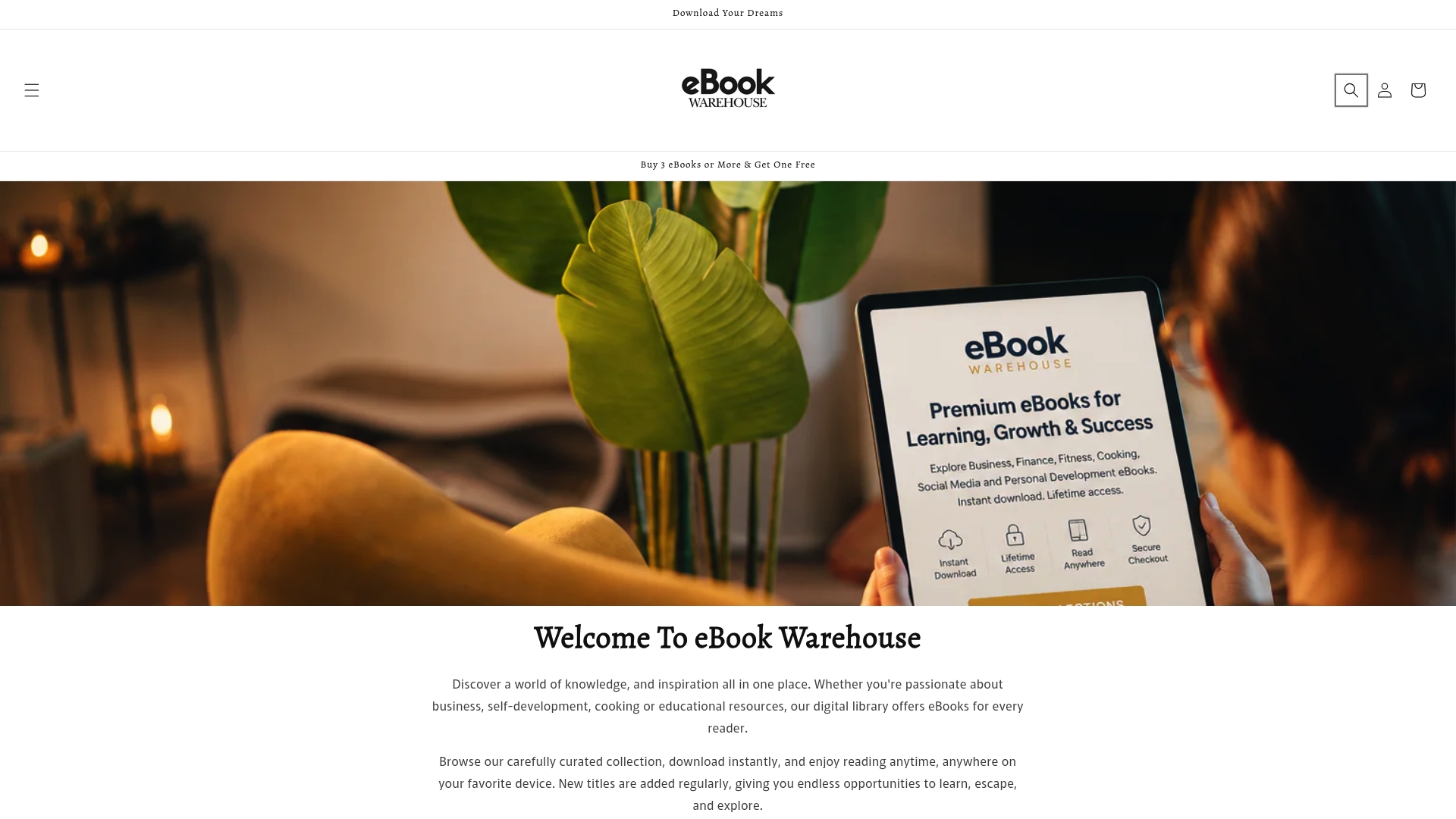
The catalog leans into practical categories that public-domain archives simply don’t cover: personal development, business skills, cooking, social media strategy, and other niche subjects curated into focused collections instead of buried in a generic bulk library. If you’ve been circling back to the same library loan every few months because the topic is one you actually use, buying it once is the cheaper move long term. Check out titles like Personal Productivity or Developing Emotional Intelligence to see the kind of focused, practical content the store specializes in, and browse the current catalog to find the next book worth owning outright.
Frequently Asked Questions
Is it legal to download free PDF ebooks? Yes, as long as the book is public domain, openly licensed, or distributed with the publisher’s or author’s permission. Sites like Project Gutenberg and Standard Ebooks fall entirely within this category.
How long do library ebook loans last? Most digital loans through Libby or OverDrive run about 14 days, though some libraries allow shorter or longer windows, and renewals often open up a few days before the loan expires.
What’s the difference between public domain and Creative Commons? Public domain means no copyright applies at all. Creative Commons means the copyright holder has granted specific permissions, like free noncommercial use or required attribution, while retaining the underlying rights.
Can I convert a PDF ebook to read on my Kindle? Yes, for non-DRM files. Amazon’s Send-to-Kindle service accepts PDF and EPUB, and tools like Calibre handle format conversion. DRM-protected library loans generally can’t be transferred to Kindle devices.
Why do library ebooks disappear after a certain number of days? Publishers license digital copies to libraries under contract terms that mimic physical lending, one reader at a time, for a set period. DRM enforces that limit automatically once the loan period ends.
Sources
- I stopped paying for ebooks after finding the sites that lend them for free and legally
- Project Gutenberg
- Copyright Law: Cases and Materials — CALI eLangdell Press (PDF)