

BookBub Alternatives for Readers: Deals and Downloads
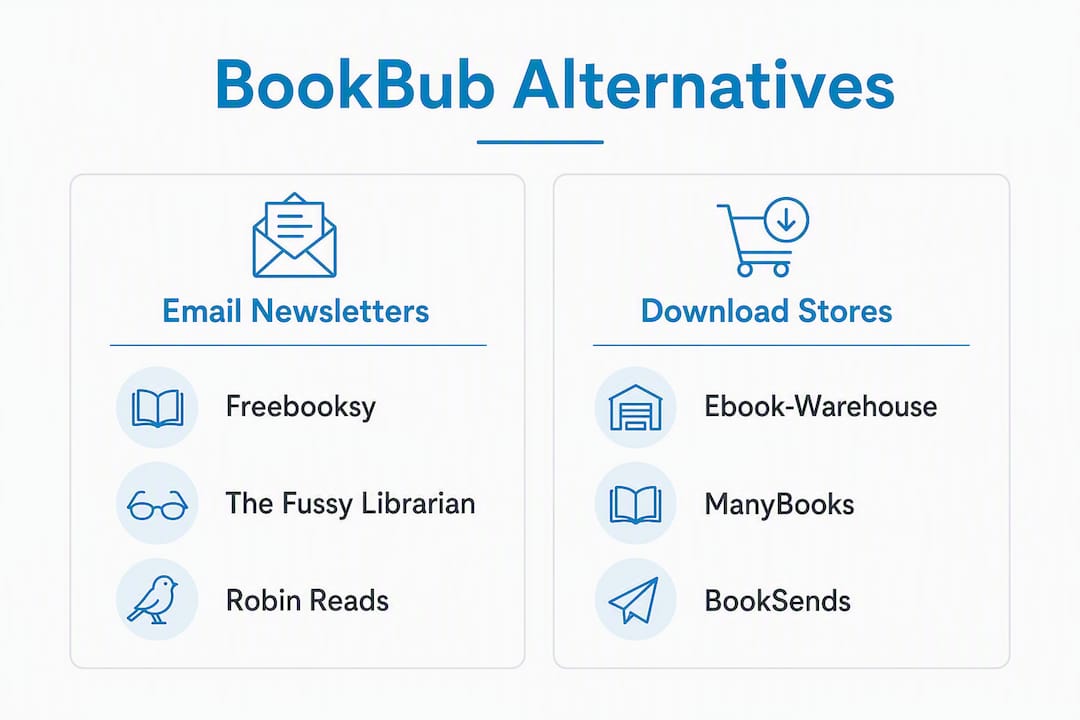
The fastest way to replicate BookBub’s value without waiting on its selective acceptance process is to combine three reader pathways: genre-targeted email deal newsletters, discount deal marketplaces, and curated direct-download stores. Each one delivers something slightly different.
Here is how they break down by reader outcome:
- Genre-targeted email newsletters (Freebooksy, Bargain Booksy, The Fussy Librarian, Robin Reads): best for free starters and daily curated picks delivered to your inbox
- Discount deal marketplaces (BookSends, ManyBooks): best for browsing deep discounts across multiple genres without committing to a single newsletter
- Curated direct-download stores (Ebook-warehouse): best for instant, DRM-free PDF downloads across educational and lifestyle categories, no subscription required
For readers focused on personal development, business, cooking, or wellness titles, Ebook-warehouse is the recommended direct-download option. You buy once, download immediately, and read on any device.
Pro Tip: Set up a dedicated reading email address before you subscribe to anything. It keeps deal alerts organized and prevents inbox clutter from mixing with personal mail.
Table of Contents
- What are the best BookBub alternatives for US readers?
- What kinds of BookBub alternatives actually exist?
- How do you choose the right alternative for your needs?
- How do you set up alerts and secure the best deals?
- How do the user interfaces compare across these services?
- Which alternatives have mobile apps?
- Key Takeaways
- Why stacking beats searching every time
- Where Ebook-warehouse fits in your reading stack
- Useful sources
What are the best BookBub alternatives for US readers?
The table below maps each alternative category to the dimensions that matter most to readers: format support, cost, genre targeting, and how easy it is to actually get the file.
| Type | Best for | Cost to reader | Genre targeting | Format support | Alert frequency | DRM / ease of download | US availability |
|---|---|---|---|---|---|---|---|
| Genre-targeted email newsletters | Free starters, daily curated picks | Free | High genre targeting (dozens of genres on some services) | EPUB, Kindle, Mobi | Daily or weekly | DRM varies by retailer; links to Amazon/Kobo | Yes |
| Discount deal marketplaces | Browsing deep discounts, series starters | Free to browse; pay per book | Moderate | EPUB, Kindle | Daily digest or on-demand | DRM set by publisher | Yes |
| Curated daily pick newsletters | Single curated pick per day | Free | Low to moderate | Kindle-focused | Daily | DRM varies | Yes |
| Direct download stores | Instant access, DRM-free PDFs, niche topics | Pay per title | High (curated by category) | PDF, multi-device | On purchase | DRM-free PDF | Yes |
The right category by reader profile:
- Casual bargain hunter: genre-targeted email newsletters
- Reading-in-series shopper: discount deal marketplaces
- Reader needing instant, DRM-free PDF downloads: direct download stores like Ebook-warehouse
Stacking discovery channels across two or three of these categories consistently surfaces more high-quality deals than relying on any single source. Subscribe to one newsletter and one direct store, then add a second newsletter only after the first proves useful.
Pro Tip: Audience match matters more than raw reach. A newsletter that covers exactly your genre will convert at a higher rate than a generalist blast covering 50 categories.
What kinds of BookBub alternatives actually exist?
Understanding the category differences helps you pick the right tool for your reading goals, not just the most popular name.
Genre-targeted email newsletters

Services like Freebooksy, Bargain Booksy, The Fussy Librarian, and Robin Reads send daily or scheduled emails featuring free or deeply discounted ebooks. The Fussy Librarian lets readers choose from dozens of genres and content preferences, so the picks feel genuinely tailored rather than random. These services typically link out to Amazon, Kobo, or Apple Books, which means the file format and DRM depend on the retailer, not the newsletter itself.
For readers hunting niche business ebooks or personal development titles, these newsletters surface new and indie authors that larger stores bury. Smaller services often accept books with as few as 5–10 reviews, which means you encounter genuinely fresh titles before they hit mainstream visibility.
Subscription tips:
- Choose genre filters carefully at signup; most services let you update preferences later
- Set alert frequency to daily only if you read regularly; weekly works better for casual readers
- Unsubscribe from any list that sends titles outside your stated genres after two weeks
Discount deal marketplaces
Sites like BookSends and ManyBooks function more like browsable storefronts than push-email services. You can visit on demand, filter by genre and price, and download directly or follow a retailer link. The format support is broader here, though DRM status still depends on the publisher. These work well for readers who prefer browsing over inbox management.
Curated direct-download stores
This is where Ebook-warehouse fits. Rather than linking you to a third-party retailer, a direct-download store sells the file outright. You pay once, get an immediate download, and own the file. For educational and lifestyle categories, including cooking, business, personal productivity, and wellness, this model removes every friction point between purchase and reading. Checking format and DRM details on the product page before buying takes about ten seconds and confirms compatibility with your device.
Pro Tip: Niche-focused discovery services outperform generalist platforms for specialized content like personal growth or cooking titles. The more specific the service, the better the match.
How do you choose the right alternative for your needs?
Start with one question: do you want deals pushed to you, or do you want to browse and buy on your own schedule? That single answer narrows the field immediately.
- Set your format requirement first. If you read on a Kindle, EPUB-only stores create friction. If you prefer PDF on a tablet or laptop, confirm the store delivers PDF before you sign up or buy.
- Identify your top two genres. Pick services that explicitly list those genres in their preference settings. A cooking reader has no use for a thriller-heavy newsletter.
- Pick one email newsletter and one direct store. Two sources are enough to start. Adding more before you have tested the first two creates noise, not value.
- Run a 7–14 day test. Track which source produces downloads you actually open and read. Keep it; drop the other.
- Check trust signals before downloading. Clear format info, visible DRM status, and sample deal descriptions are the markers of a reliable service. Vague listings with no format details are a red flag.
- Review the privacy policy. Reputable services state clearly what they do with your email address. If a service sells subscriber data to third parties, that is worth knowing before you hand over your inbox.
Checklist for the final decision:
- Format confirmed for your primary device
- Genre targeting available and specific
- DRM status visible on product or deal page
- Email frequency matches your reading pace
- Privacy policy reviewed and acceptable
Pro Tip: Stacking complementary services on consecutive days during a price-drop window compounds downloads. Subscribe to a newsletter that sends Monday/Wednesday and a second that sends Tuesday/Thursday so deals land across the week rather than all at once.
How do you set up alerts and secure the best deals?
The fastest wins come from targeted signups combined with price-drop timing and one reliable direct-download source.
- Create a dedicated reading email address. Gmail or Outlook works fine. Keep it separate from personal and work mail.
- Sign up for 2–3 genre-matched newsletters. Freebooksy for free titles, Bargain Booksy for discounted ones, and The Fussy Librarian for curated picks cover most bases without overlap.
- Set genre preferences immediately at signup. Do not skip this step. Default settings on most services send broad picks that waste your time.
- Follow deal-aggregator social accounts. Several newsletter services post flash deals on social platforms before the email goes out. This gives you a head start on time-limited offers.
- Verify “free to keep” versus “read for free” before clicking. The Fussy Librarian explicitly warns readers to use the “Buy now with 1-Click” button to secure a permanent download rather than a subscription read. A Kindle Unlimited “read for free” offer disappears from your library the moment you cancel the subscription. A “free to keep” download stays forever.
- Buy directly from a curated store for instant PDF access. When you want a specific title in a specific format with no retailer detour, a direct-download store removes every extra step.
Deal timing matters. Authors and publishers schedule multiple smaller promotions across consecutive days during a price drop to push algorithmic visibility. As a reader, this means the best window to find a discounted title is often the first 48–72 hours of a promotion, before the deal expires or the price resets.
Pro Tip: When a title you want appears in a newsletter deal, check the direct-download store for the same title. You may find a PDF version available immediately, with no DRM and no retailer account required.
Deal discovery tips to bookmark:
- Check newsletter emails within 24 hours; many deals are timed and expire
- Confirm file format matches your primary reading device before purchasing
- Use a direct-download store for niche educational titles that rarely appear in mass-market newsletters
How do the user interfaces compare across these services?
The experience gap between newsletter services and direct-download stores is real, and it affects how quickly you get from “I want this book” to actually reading it.
Genre-targeted email newsletters are intentionally minimal. The email arrives, you scan the picks, and you click a link. There is no app to navigate, no account dashboard to manage beyond preferences. Freebooksy and Bargain Booksy both use this format: clean email layouts with cover images, short descriptions, and a single download or deal link per title. The Fussy Librarian adds content filtering (profanity, violence, sexual content) that other services skip, which matters for readers with specific preferences.
Discount deal marketplaces add a browsable web interface on top of the email layer. BookSends and ManyBooks both have searchable catalogs, though the depth of filtering varies. ManyBooks has been around long enough to accumulate a large catalog, but the interface feels dated compared to newer services. The trade-off is breadth: you can browse without waiting for an email.
Direct-download stores like Ebook-warehouse offer the cleanest purchase path. You find a title, add it to cart, pay, and download. No retailer redirect, no account linking, no waiting for an email window. The product page shows format details and compatibility information upfront, which removes the guesswork that plagues some newsletter links.
Which alternatives have mobile apps?
Most genre-targeted email newsletters do not have standalone apps. They are email-first services, which means your experience on mobile is only as good as your email client. Gmail and Apple Mail both render these newsletters well on iOS and Android, so the lack of a dedicated app is rarely a problem in practice.
ManyBooks has a mobile-friendly web interface and has offered app-adjacent functionality, though its primary experience remains browser-based. For readers who prefer apps, the better move is to pair a newsletter service with a dedicated ebook reader app like Apple Books, Google Play Books, or Kindle. These apps handle the reading side; the newsletter handles discovery.
Direct-download PDF stores work on any device with a PDF reader. Download the file once and open it in your preferred app, whether that is Adobe Acrobat, Apple Books, or a third-party reader. No app installation required beyond what you already use.
Key Takeaways
The most effective approach to finding BookBub alternatives is to combine one genre-targeted email newsletter with one direct-download store, test both for 7–14 days, and keep only the sources that deliver books you actually read.
| Point | Details |
|---|---|
| Three reader pathways | Email newsletters, discount marketplaces, and direct-download stores each serve a different reading habit. |
| Verify ownership before downloading | “Free to keep” and “read for free” are different; confirm which applies before clicking download. |
| Test for 7–14 days | Run each source for one to two weeks and keep only the ones that produce downloads you open. |
| Stack complementary services | Subscribe to newsletters that send on different days to spread deal discovery across the week. |
| Ebook-warehouse for instant PDFs | For curated, DRM-free PDF downloads in business, cooking, and personal development, Ebook-warehouse delivers immediately with no retailer detour. |
Why stacking beats searching every time
The conventional advice is to find the best single source and stick with it. That works fine for fiction readers who want the next thriller in a series. For readers focused on educational and lifestyle titles, it misses how these deals actually surface.
Niche categories like personal productivity, business strategy, and cooking rarely dominate the front page of any generalist newsletter. They appear in the middle of a digest, get buried by romance and thriller picks, and disappear within 24 hours. The readers who consistently find the best titles in these categories are not the ones who subscribed to the biggest list. They are the ones who subscribed to the right list and paired it with a direct-download store that already curated the category for them.
There is also a trust dimension that most comparisons skip. Format transparency and visible DRM status are the clearest signals that a service respects its readers. A newsletter that links to a deal without telling you whether the file is EPUB, PDF, or Kindle-only is making you do extra work. A direct-download store that lists format details on every product page removes that friction entirely.
Privacy matters too. Email newsletters collect subscriber data by design. Before you sign up for five services simultaneously, read each privacy policy. Reputable services are clear about what they share. If a service is vague, that is a signal worth taking seriously.
Where Ebook-warehouse fits in your reading stack
If you have been browsing deal newsletters and still cannot find the specific personal development, business, or cooking title you want in a format that works on your device, that is exactly the gap Ebook-warehouse fills. Every title is a curated, instant-download PDF, available the moment you complete checkout, with no subscription, no retailer redirect, and no DRM barrier between you and the file.
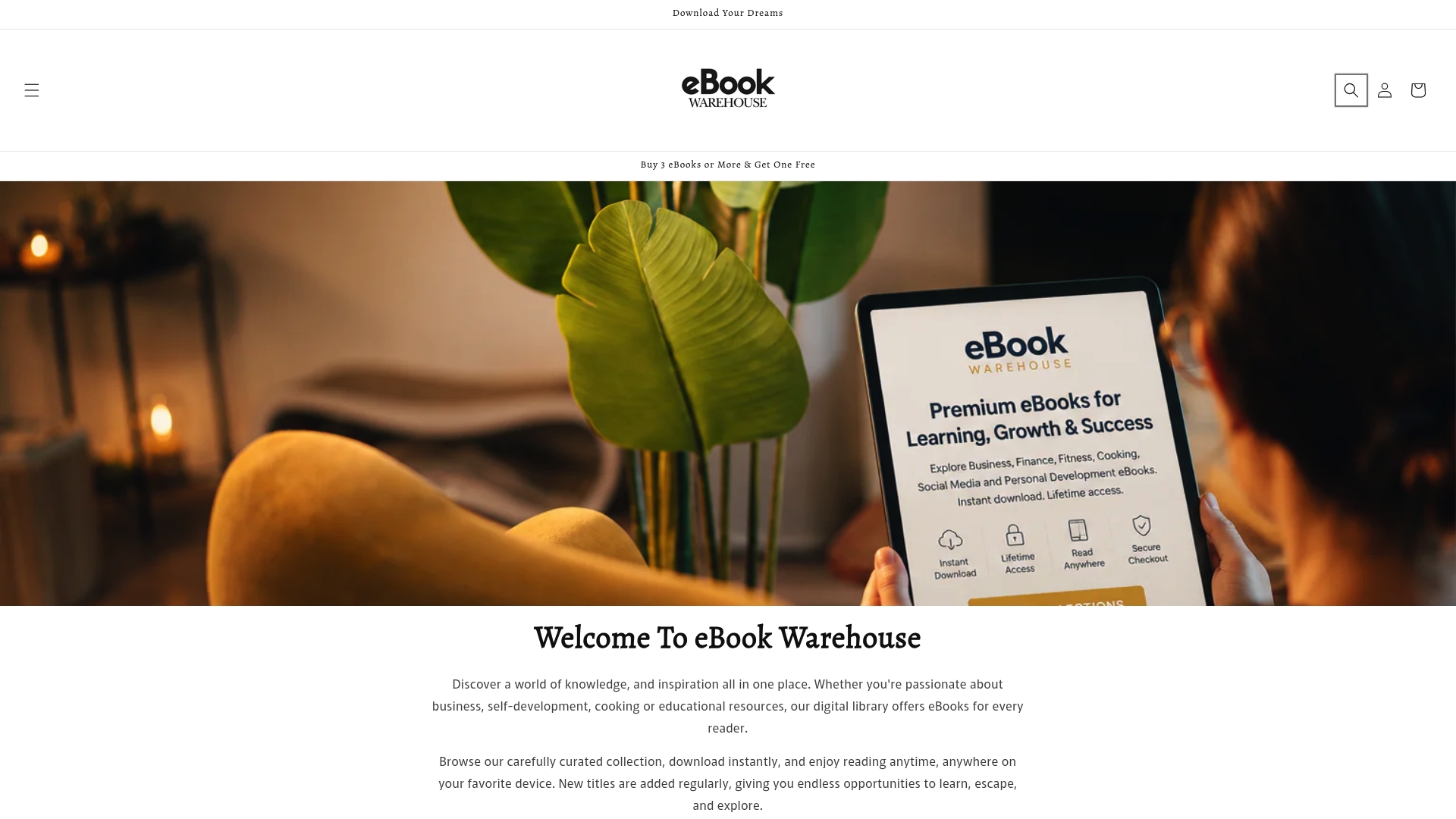
Browse personal productivity titles or the full cooking collection and you will find niche titles that simply do not appear in mass-market newsletters. The buying path is straightforward: add to cart, pay, download. Format and compatibility details are listed on every product page so you know exactly what you are getting before you spend a cent.
Useful sources
- The Fussy Librarian: explains genre and content preference filtering, and clarifies the “free to keep” versus “read for free” distinction
- Newsletter Promo Sites for Authors: Bargain Booksy, Freebooksy & More: covers stacking strategy, format transparency, and DRM trust signals
- The Best Book Promotion Sites: explains why smaller, niche-focused services matter for readers discovering new authors
- BookBub for Authors: Featured Deals, Ads, New Release Alerts: covers deal timing, stacking windows, and how authors tune promotions to genre-matched audiences
- Ebook File Formats: Your Practical Guide: use this to confirm format and device compatibility before downloading any title
Check device and format compatibility on the product page before downloading. PDF files open on any device with a standard PDF reader; EPUB and Kindle files require a compatible app or device.